
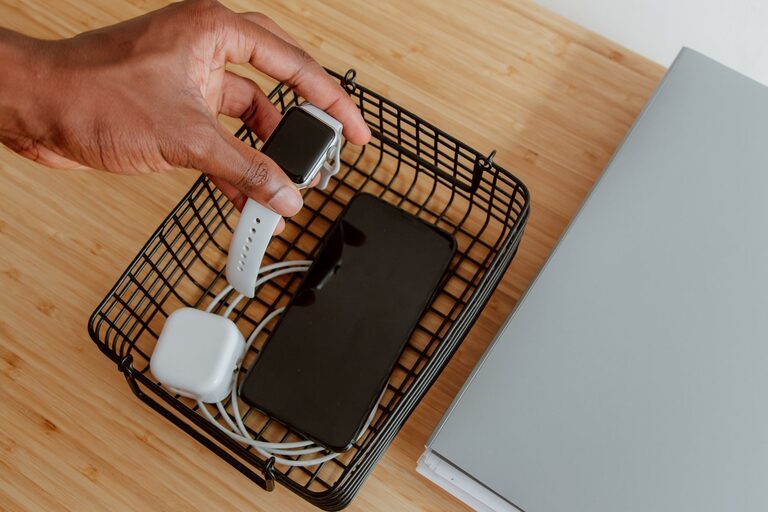
Setting up a dedicated charging station for your devices is a smart way to keep your home organized and your gadgets powered up. Whether you have smartphones, tablets, smartwatches, or other rechargeable electronics, having one central spot where everything charges can save time and reduce cable clutter.
In this guide, we’ll walk you through the steps to create an effective and safe charging station that fits your needs and space. Let’s get started!
Why Set Up a Charging Station?
Before jumping into the how-to, it’s helpful to understand why a charging station is beneficial:
– Organization: Keeps your cords and devices in one place.
– Convenience: Easily find and charge devices without searching for chargers.
– Safety: Reduces the risk of tripping over cords or overloading outlets.
– Efficiency: Some stations can charge multiple devices at once.
Step 1: Choose the Right Location
Finding the perfect spot is crucial for your charging station’s success.
Consider Accessibility
Place your charging station in a common area such as a kitchen counter, home office desk, or living room shelf. Make sure the spot is easy to reach for everyone in the household.
Check Power Source Availability
Choose a location near outlets to avoid running long extension cords. If outlets are scarce, consider installing a power strip with surge protection.
Think About Ventilation
Devices can get warm while charging. Avoid cramped, closed spaces. An open area helps keep devices cool.
Step 2: Gather Your Supplies
You’ll need a few items to build a functional charging station.
Basics
– Power strip or charging hub: Multi-port USB chargers or power strips allow several devices to charge simultaneously.
– Charging cables: Make sure you have the correct cables (USB-C, Lightning, micro USB) for your devices.
– Organizer or container: Use a box, drawer organizer, or a charging station stand to keep devices and cables neat.
– Labeling tools (optional): Small labels or tags to identify cables and devices can be helpful.
Optional Extras
– Cable clips or ties to manage cords.
– Wireless charging pads for compatible devices.
– A small basket or tray for smaller accessories like earbuds or charging adapters.
Step 3: Set Up Your Charging Station
Now that you have your supplies and location, it’s time to assemble everything.
Arrange the Power Source
Plug your power strip or charging hub into the outlet. If possible, mount the power strip on a wall or under the desk to keep it off the floor.
Organize Cables
Group cables by device type. Use cable ties or clips to prevent tangling. Make sure cables are long enough to reach devices without being excessively loose.
Position Devices
Place devices in the organizer or charging stand. Arrange them so you can easily see each device and access their screens if needed.
Label Cables
If you have multiple devices charging at once, label cables to avoid confusion. This is especially useful in households with many similar gadgets.
Step 4: Maintain Your Charging Station
A charging station is most useful when kept tidy and functional.
– Regularly check cables for damage.
– Remove devices that are fully charged to free space.
– Wipe down surfaces to avoid dust buildup.
– Update cables or chargers as your device collection changes.
Additional Tips for a Great Charging Station
– Safety first: Use chargers that are certified and in good condition.
– Wireless charging: If you prefer a clutter-free area, consider including wireless chargers for compatible devices.
– Portable options: For travel, keep a smaller charging station kit with essentials.
– Charging habits: Don’t leave devices charging overnight unnecessarily to prolong battery health.
Conclusion
Setting up a charging station is a simple project with big benefits. It not only keeps your devices powered and ready but also helps maintain a neat and safe home environment. By choosing the right location, gathering the proper supplies, and organizing thoughtfully, you’ll have a charging station that works for your family’s needs.
Try these tips today and experience the convenience of having all your devices charged in one easy spot. Happy charging!
About the Author